01 / 07
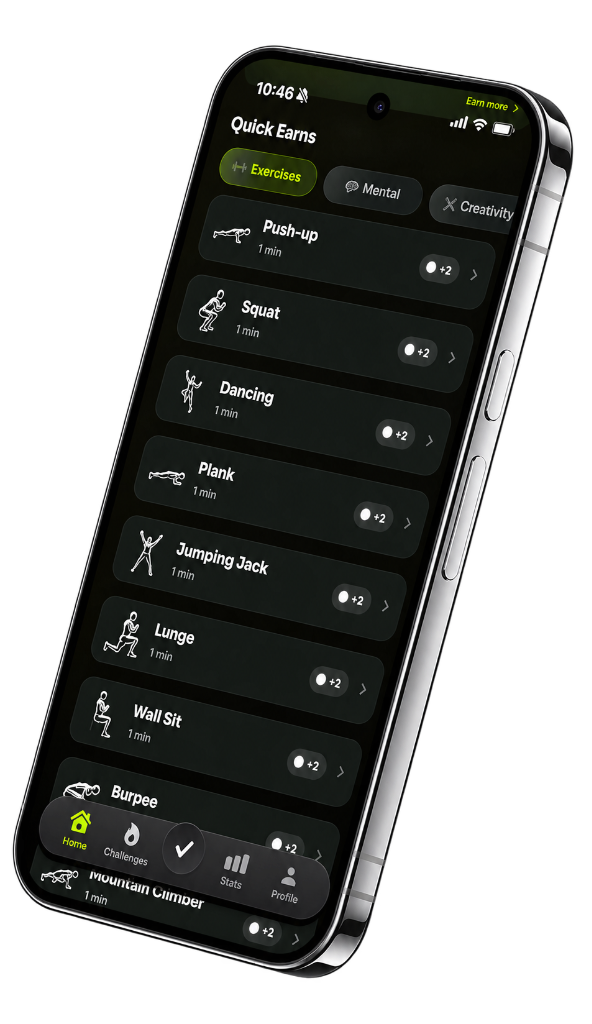
Do ten push-ups. Earn ten minutes.
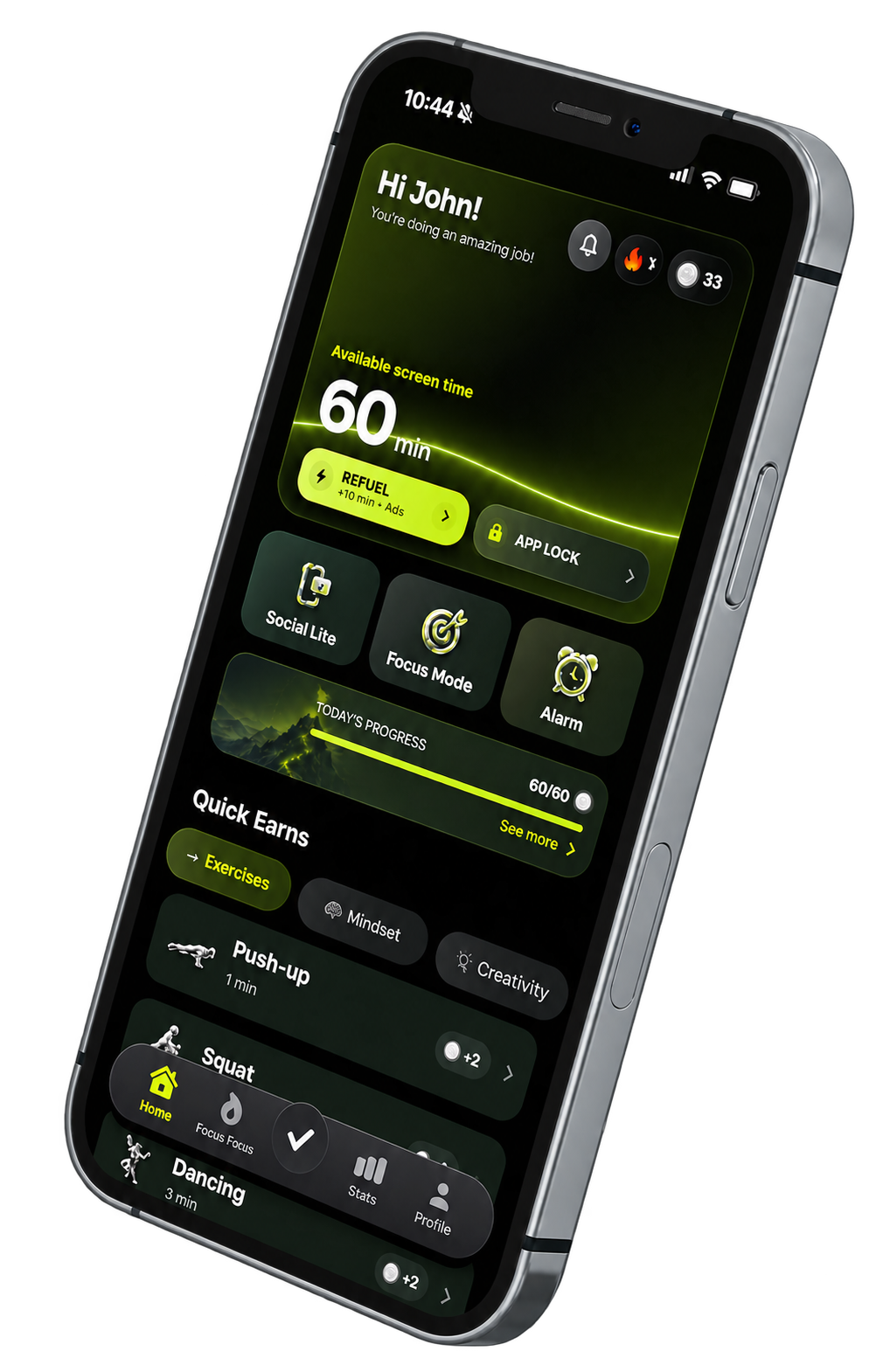
Quick Earns ties a concrete action to a concrete reward. You decide which tasks count and which apps the time can be spent on.
Screen time has to be earned
Block distracting apps until you exercise, finish a task, or keep the habit you chose.
The route
Seven ways to put a clear action between impulse and access.
01 / 07
Quick Earns ties a concrete action to a concrete reward. You decide which tasks count and which apps the time can be spent on.
02 / 07
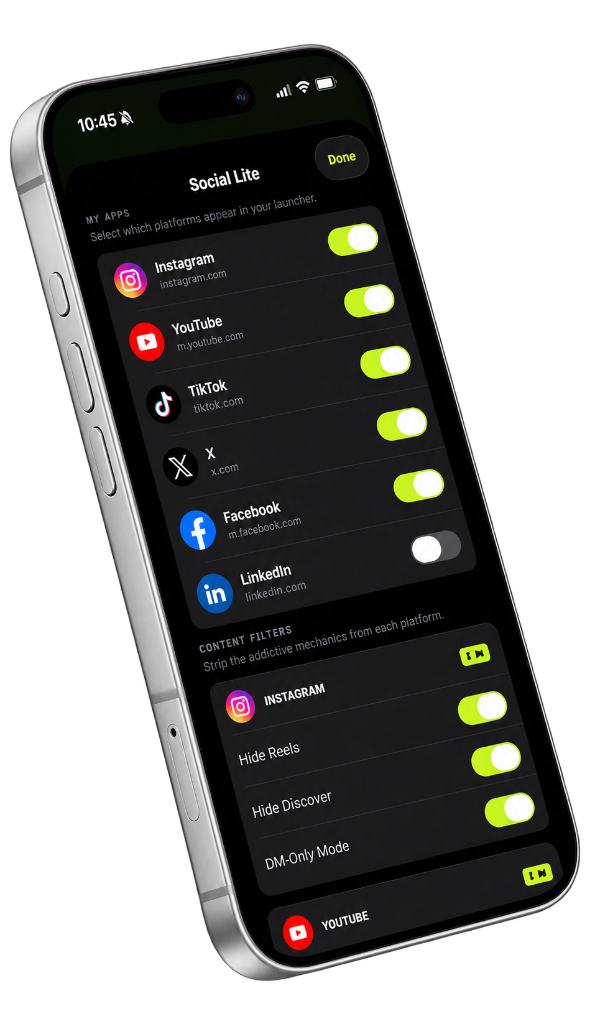
Social Lite keeps direct messages while hiding Reels, Explore, Shorts, and other infinite surfaces.
03 / 07
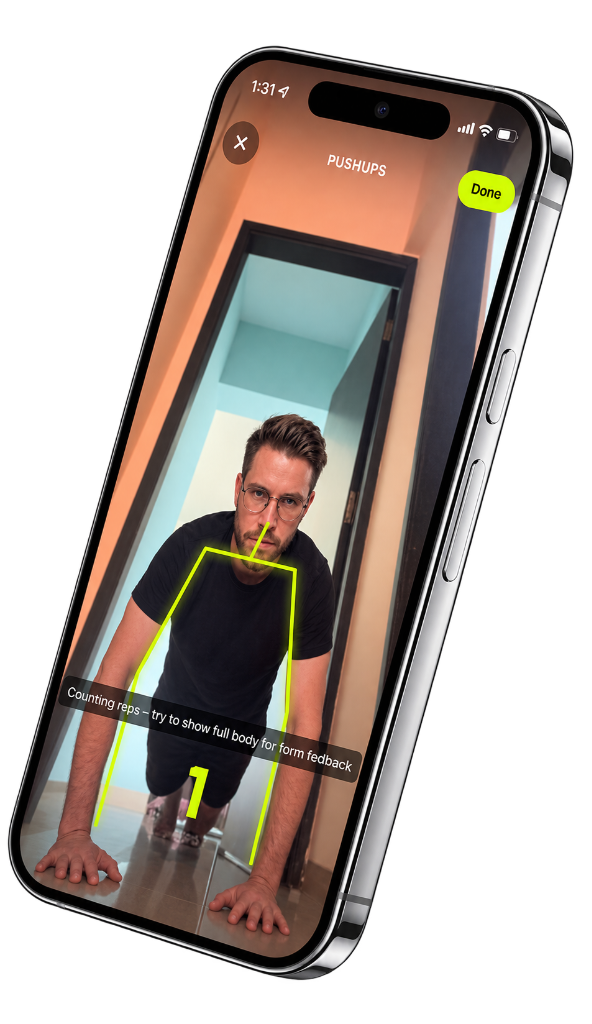
Apple Vision processes movement on the phone during an exercise session. No workout video is saved or sent to a server.
04 / 07
Time-boxed scrolling ends a session at the limit you set, before ten minutes becomes an hour.
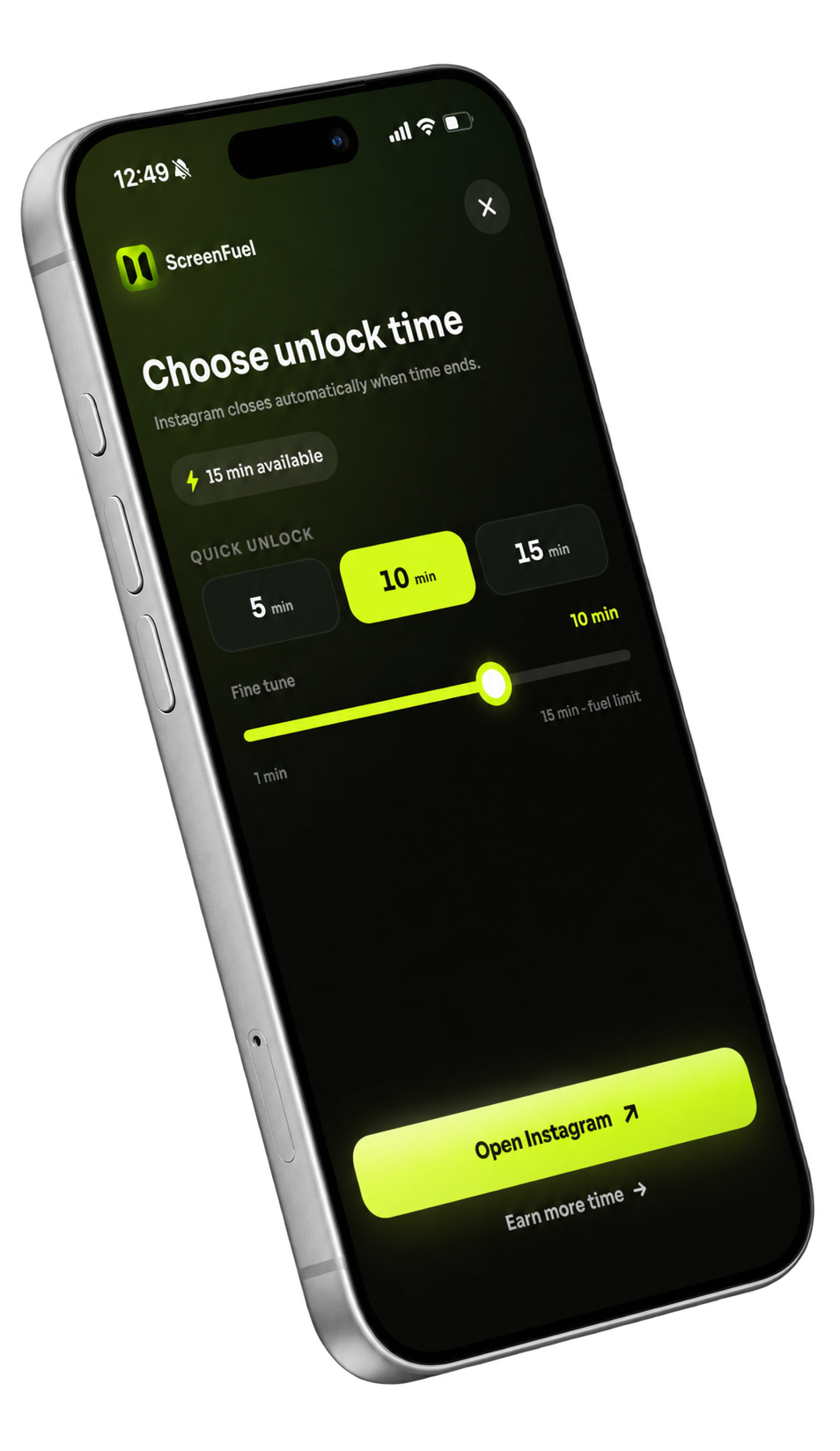
05 / 07
Choose a 7, 30, 50, or 75-day commitment with a clear finish line.
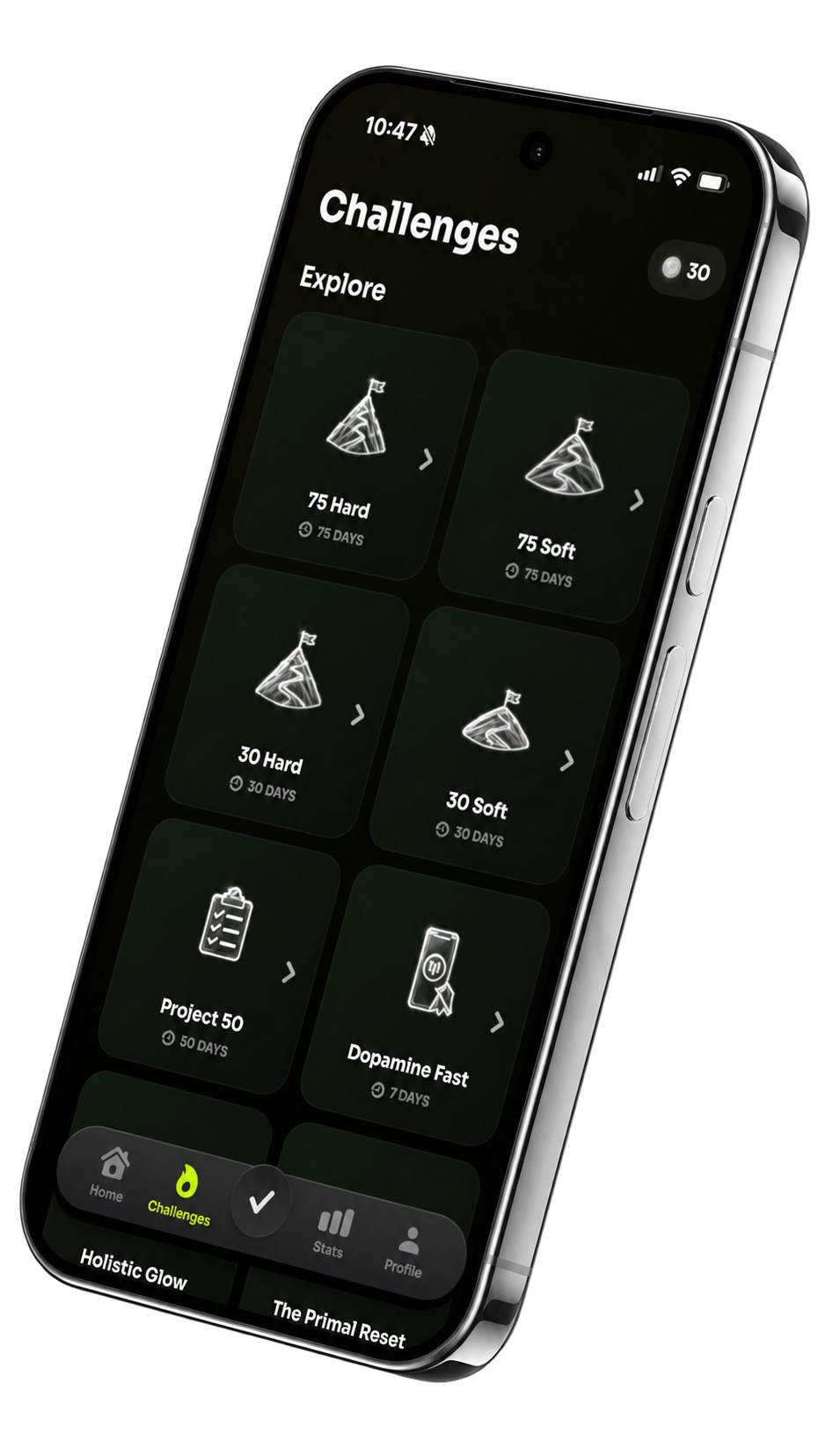
06 / 07
Track the routines that earn your attention back, from hydration and exercise to reading and deep work.
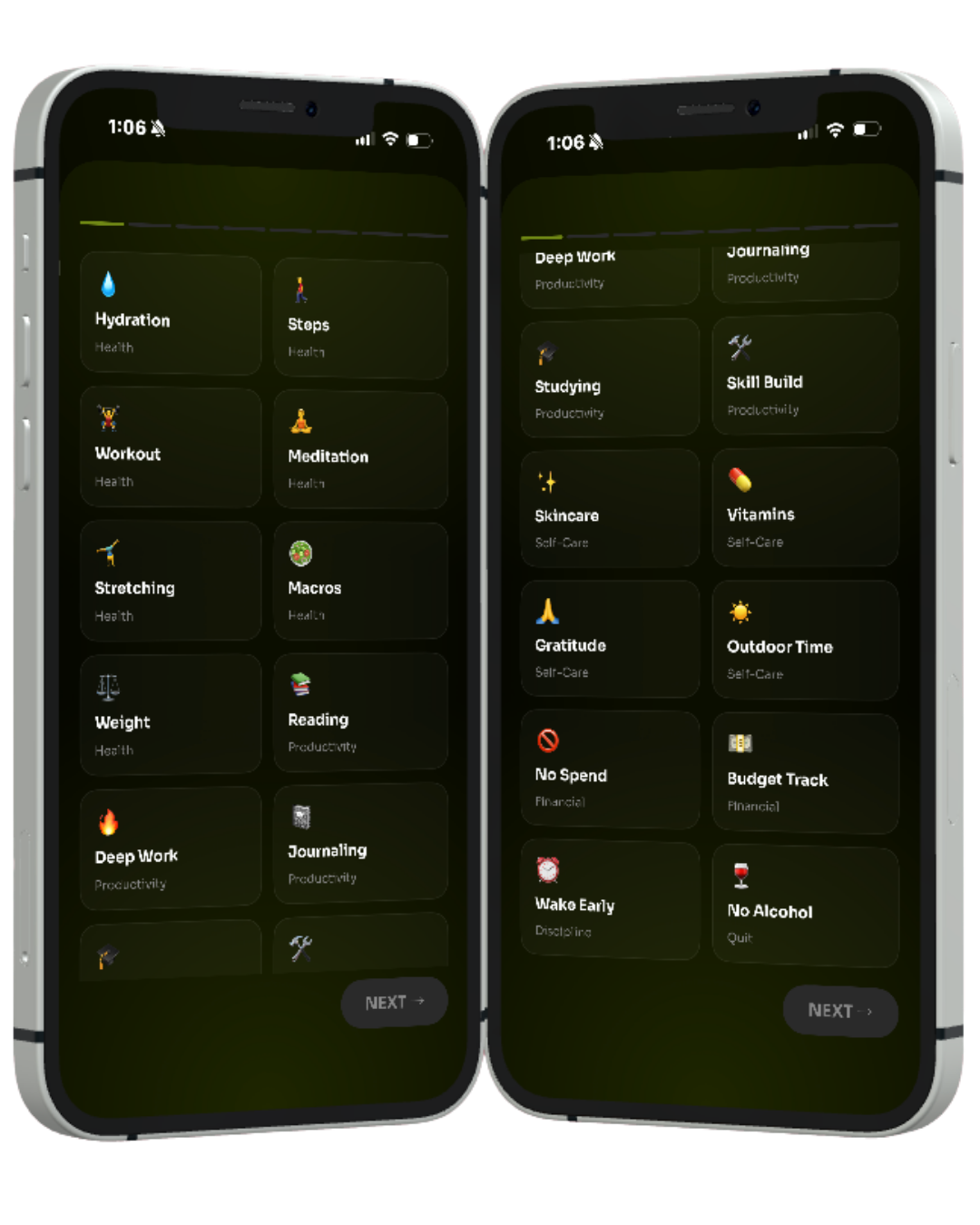
07 / 07
Set an alarm that stops only after the physical activity you chose is complete.
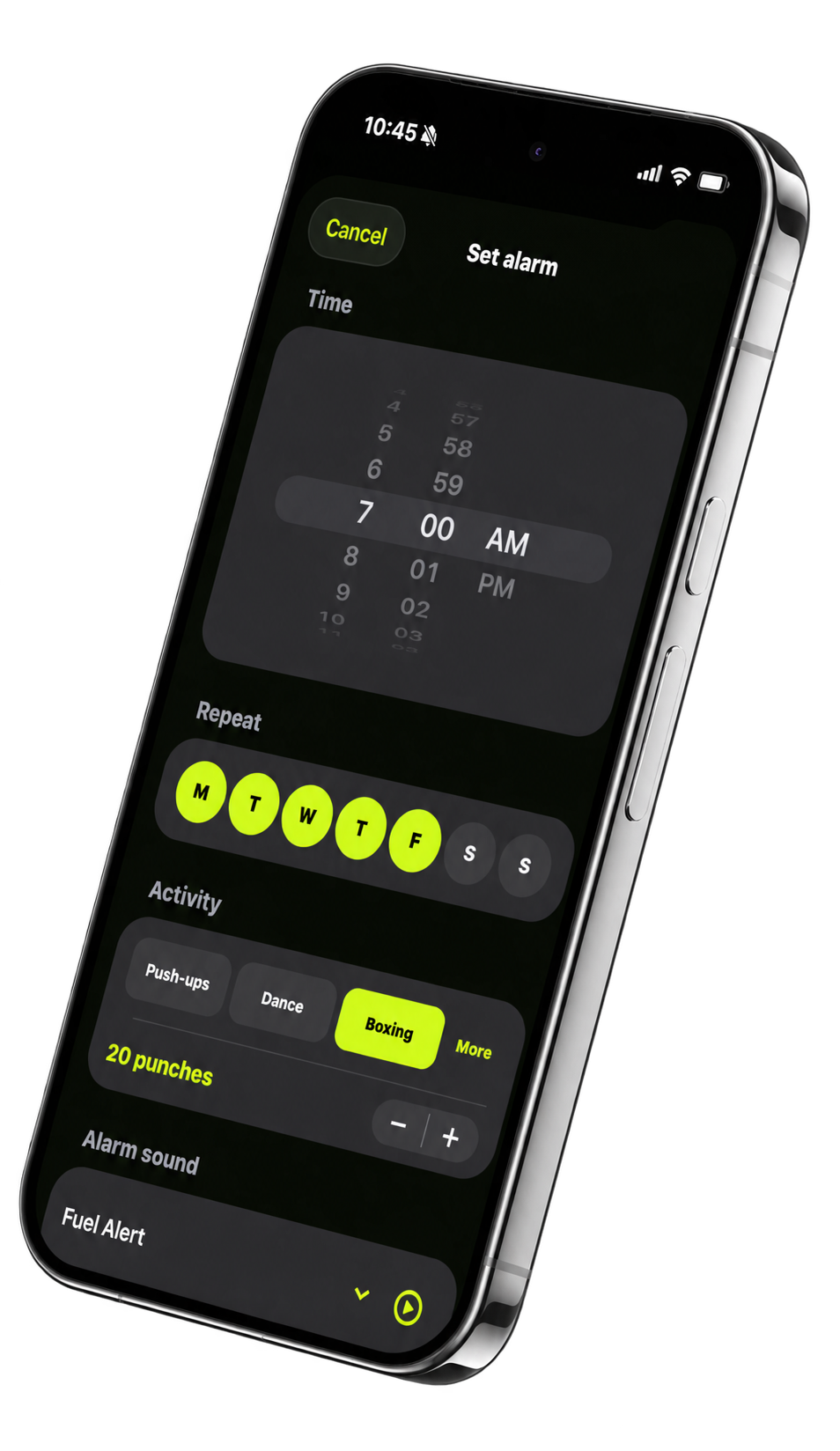
Beyond the screen
ScreenFuel puts a rule between impulse and access, so time on your phone follows the things you meant to do.
Download ScreenFuel
Scan with your iPhone camera.